






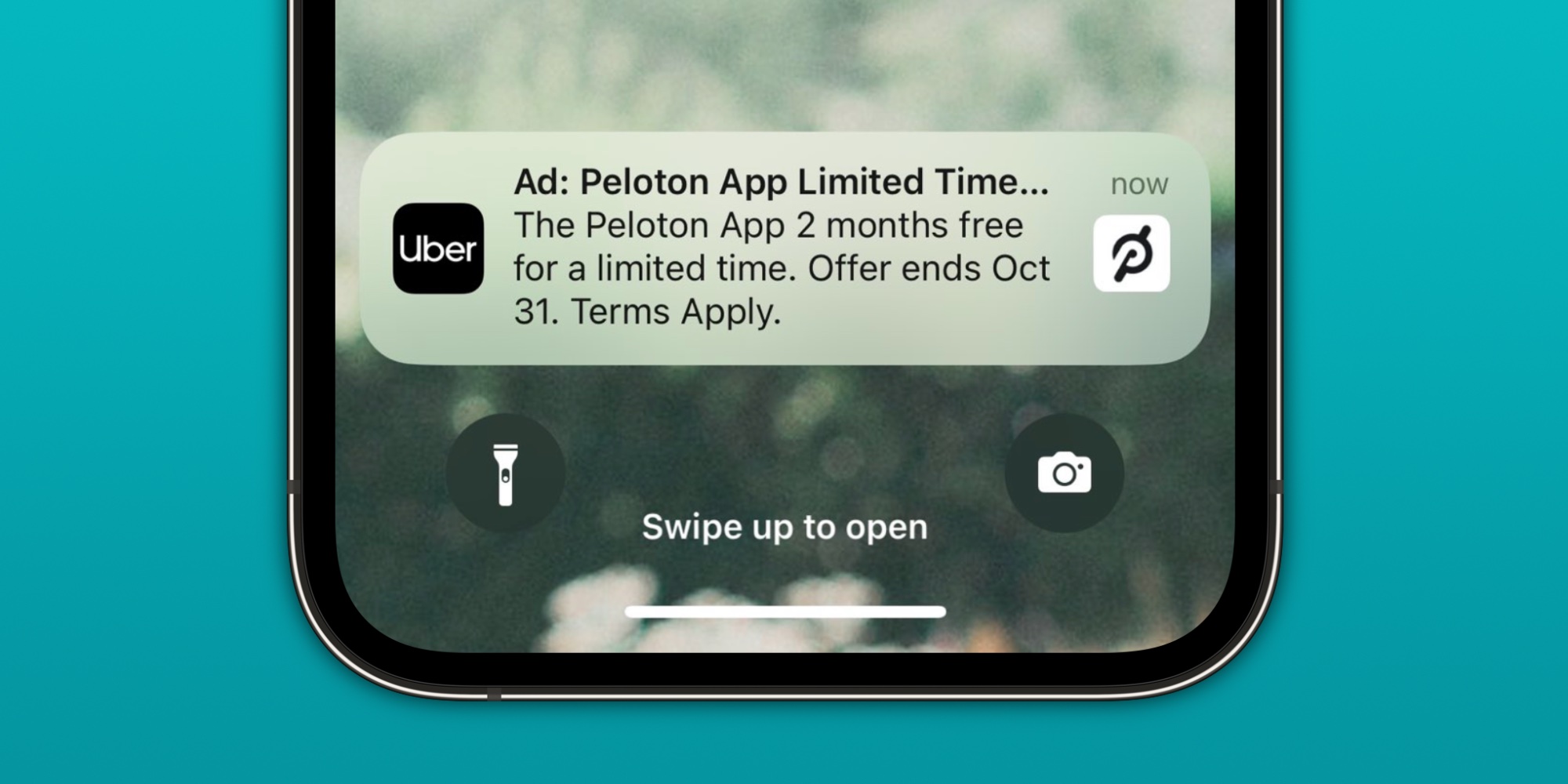
People really like their iPhones. But I think everyone can agree that we all get way too many notifications. Notifications are everywhere. If you install any app (ANY APP) on your phone, it is going to want to bombard you with notifications.
I don’t know why my camera app needs to send me notifications, but it wants to. Almost every app wants to send you notifications because developers know it will bring you back into their app. Over the years, notifications have become less about providing helpful nudges and more about driving your engagement through the roof. This is good for the developer, but terrible for all of us.
 iOS 16 Lock Screen customizations. Image source: Apple Inc.
After a decade of using my iPhone and seeing the proliferation of notifications, I’ve decided to finally get them under control. Personally, I don’t want a lot of notifications. In fact, I don’t want MOST notifications. I don’t even want a ring or vibrate when I get a text message. Only things phone calls, security camera alerts, and medication reminders are worthy of actually interrupting me.
To that end, I’ve learned how to optimize my notifications so I’m only interrupted by things I need to be interrupted by. The rest are there when I have time to come back to them. This has led to me feeling much less stressed and confident that, if I do get a notification that actually alerts me, it’s something I need to pay attention to. As The Minimalists like to say, “most emergencies aren’t.”
Tech. Entertainment. Science. Your inbox.
Sign up for the most interesting tech & entertainment news out there.
By signing up, I agree to the Terms of Use and have reviewed the Privacy Notice.
After tuning this new notification haven into existence, I’ve learned quite a few tips to get them under control that I think you might benefit from as well. Let’s get into it!
Turn your ringer off
If there’s one thing that is sure to interrupt you from what you are doing, especially if you are trying to get into your flow like former Microsoft Surface head Panos Panay loved to say, it’s having your ringer turned on. This is the first thing I did to get my notifications (interruptions) under control.
There’s nothing like trying to have a conversation with a friend or finding yourself in some deep work and having the ringer go off on your iPhone or Apple Watch, only to find out it’s a notification about 20% off at Wendy’s through DoorDash today. While I’ll talk about turning vibrations off for most things, I think the ringer is an even more sinister interrupter.
 I don’t need to hear “Who Let The Dogs Out?” blaring from your phone. Image source: penguiiin / Adobe
For the love of all that is good in this world, please turn your ringer off — especially if you’re already rocking an Apple Watch anyway. For anything urgent, a vibration on your wrist is all you need to make sure you don’t miss anything. We don’t need to live in the world of strange ringtones going off in public anymore.
Turn off notifications for most apps
Let’s face it — we don’t actually need to have notifications turned on for most apps. Do you really need to know about new apps available on the App Store? Or if someone liked a post on social media? Most of these things are fine to find out when you purposely open the app, not to interrupt you when you’re trying to do other things.
This was the second thing I did to get my notifications under control. After reviewing the Notifications section of the Settings app, I figured out that I could turn off notifications completely for a ton of apps. Here are some examples:
App Store (these are basically just ads)
Game Center (I don’t game on my iPhone)
News (I only want to read news once a day in the morning)
Starbucks (also just basically ads)
Reddit (be gone, social media notifications)
Everyone is different, and some of you will surely have a reason to keep one of the above turned on. But I bet that, if you took some time to review these yourself, you’d find some or a lot of opportunities to turn notifications off completely for some apps.
This is the carpet bomb approach that will cut out a ton of noise that you are confident you don’t need.
Customize notifications in your apps
For apps that you need at least some notifications, it doesn’t mean that you need ALL of the notifications. Almost every app on your phone has a settings section that lets you customize the notifications that you do (or don’t receive) from that particular app.
For example, my banking app was sending me notifications for way too much. Upcoming due date on a credit card? I have automatic bill pay on, so it’s going to get paid regardless — why do I need the notification?
I went through all of my apps that I left notifications on for and customized what notifications I was actually okay receiving from them. This got rid of probably 80% of the notifications that were sent because, of course, ALL of them are turned on by default.
Don’t let an app spam you for everything. You can tell it what is and isn’t okay to notify you about.
Send most notifications to the Summary
Now that you’ve turned off notifications completely for some apps and gotten rid of most notifications for the apps you actually do allow notifications from, it’s time to decide what to do with these notifications.
Do you actually need to get alerted immediately about these? Or would you prefer to review some of them at the beginning or the end of the day? This is where the iPhone’s Scheduled Summary feature is great. It lives under the Notification section of the Settings app as well and lets you decide whether you want to review notifications and what apps should send all notifications to the Summary.
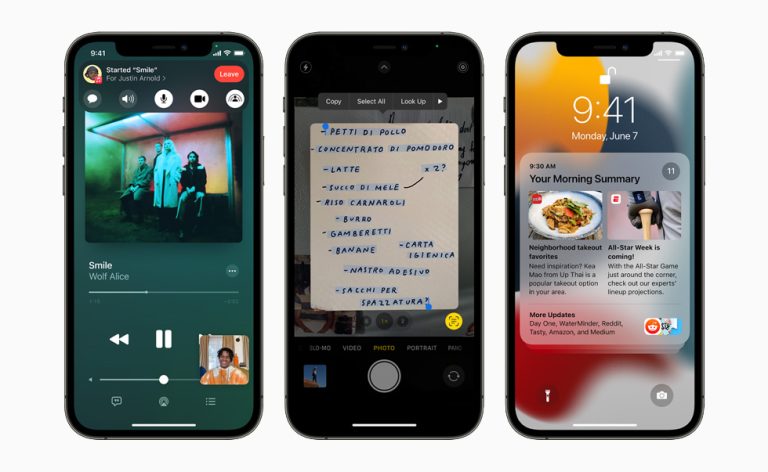 iOS 15 introduces SharePlay in FaceTime, Live Text using on-device intelligence, redesigned Notifications, and more. Image source: Apple
Let’s say you still want News notifications but only want to review them at 9:00 AM every day. Just go to Settings> Notifications> Scheduled Summary, and turn on News under the Apps in Summary section. At 9:00 AM every day, you’ll get to review your News notification, but you won’t get notifications every single time a new one comes through anymore. Perfect.
For all of the remaining apps that are notifying you that you don’t need to look at immediately, sending a chunk of these to the Summary gets rid of even more unnecessary interruptions throughout the day. I use this for a number of apps including my banking apps and the Mail app for my personal email.
Turn off vibrations for most apps
Now that you’ve turned off your ringer, turned off notifications for most apps, and sent some of the remaining apps to the Summary, what about what’s left? At the very least, you’re probably still getting notifications through vibrations on your phone or watch from the Phone and Messages app.
For whatever is left, consider turning off vibrations for some of these apps. For example, I turned off vibrations for the Messages app. While I actually want to be interrupted if a phone call comes through, I don’t need my Apple Watch to vibrate every time someone sends me a text message.
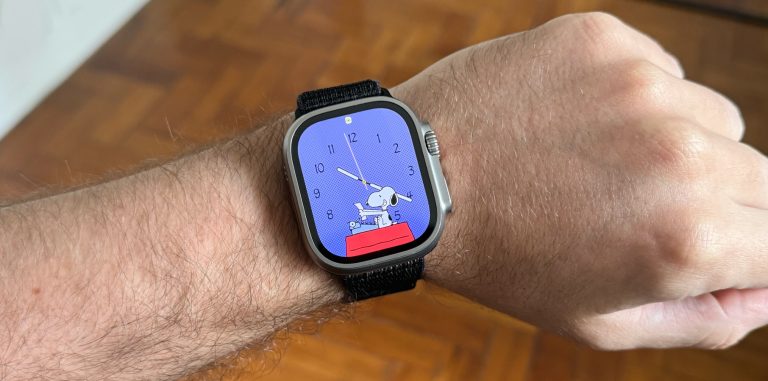 Who needs notifications when you can watch Snoopy? Image source: José Adorno for BGR
During the work day or when I’m spending time with people, I want to be focused and present. I don’t need constant buzzes from my phone or watch from these messages. If it was an emergency, someone would call me! So, I’ve personally turned vibrations off for most apps at this point. Some of the apps I’ve kept include the Phone, Home, and Health app since all of these could indicate something urgent that I need to look at right away.
Take a look at your remaining notifications. Which ones do you need to look at as soon as they come through, and which ones could you get to when you finish something and check your phone? For anything in the latter, turn those vibrations off.
Display notifications as a Count
This one is completely underrated. Have you ever walked by and glanced at your phone and, even though you didn’t mean to, noticed the stack of notifications on your Lock Screen? You feel compelled to pick it up because, man, look at all of those notifications piling up!
This is where choosing how you display notifications on your iPhone comes in. Under the Notification settings, you can choose to display notifications on your Lock Screen as Count, Stack, or List. List is total chaos with no grouping at all — this is how we lived for years. Eventually, Apple created (or stole from Android) the Stack, which at least grouped notifications by apps.
 The Notifications settings menu on iPhone. Image source: Chris Smith, BGR
I’d argue even the Stack is too distracting since it still takes up space on your Lock Screen to show you all those notifications just waiting to be discovered within the stack. Instead, I choose the Count, which displays a simple counter at the bottom of the Lock Screen to let you know how many notifications you have.
After making this change, I’ll never go back to the Stack or the List. This is a much more simple and calming setup.
Turn off the notification indicator on your Apple Watch
The last thing I did to take control of my notifications was to turn off the notification indicator on my Apple Watch. Have you ever noticed the little red dot at the top of your Apple Watch, always alerting you (IN A VERY RED ALERT) that you have notifications?
I went ahead and turned this off under the Notification settings in the Apple Watch app. If I can glance at my iPhone to see if I have any notifications and get alerted through a vibration on my watch for any I deem urgent, what do I need two notification indicators for?
Getting rid of that blaring red indicator has made my Watch Face much more pleasing to look at and I can’t ever see myself turning it on again.
What if I miss something?
But, what if I miss a notification that’s actually urgent? That’s the beauty of this system. You can always change things as you go and add alerts back in for things you want to. Of course, you can also take time and slowly cut things out if you’re nervous about it.
After implementing the above for the last few months, I can say that I haven’t found any issues with not getting a notification at the right time. Apple has provided so many features and options that you can really customize things in a way that works for you — it just takes some effort to get your system in place.
I’ve been an iPhone user for over a decade now and finally feel like I’ve gotten control over my notifications. I hope the above helps you do the same!
>>> Read full article>>>
Copyright for syndicated content belongs to the linked Source : BGR – https://bgr.com/tech/7-settings-that-got-my-iphone-notifications-under-control/



