







Credit: Hadrian / Shutterstock.com
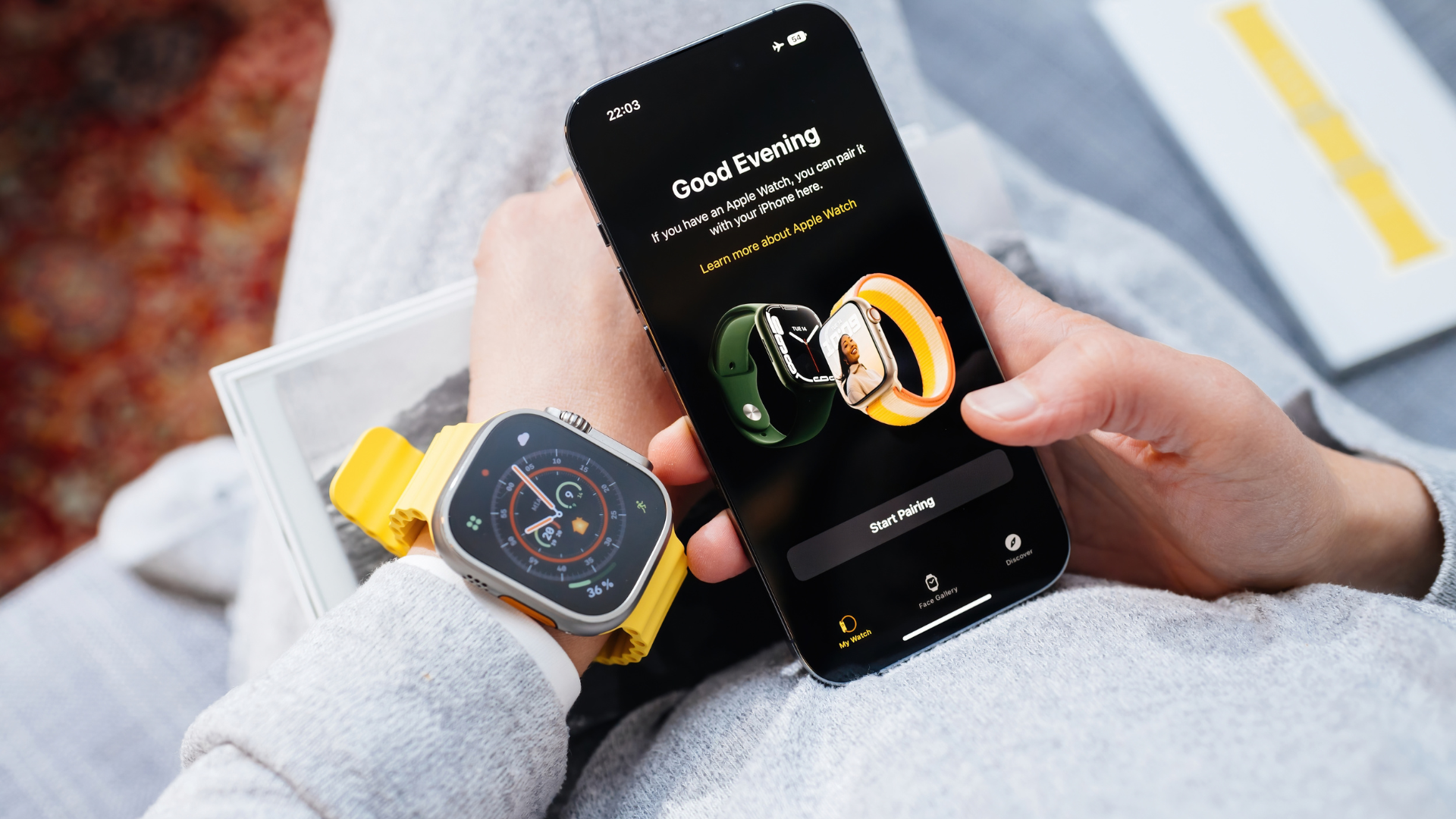
So, you just set up a brand new Apple Watch. Apple’s popular wearable is an awesome extension of your iPhone, and it comes packed with features that span health, fitness, communication, and entertainment. But before you dive into all of those fun and exciting options, there are 10 things you should probably do first to maximize your watch straight out of the box.

Mute it (or lower the volume)

Credit: Jake Peterson
By default, your Apple Watch’s sound is turned on. At first, it’s fun to listen to all the unique chimes and tones that Apple put into its wearable. After a while, though, it might become irritating, especially if you do have a lot of notifications. (More on this later.) If you’re someone who usually keeps their iPhone on silent, you might want to consider the same for the watch.
To mute your watch, just wake it up, swipe up from the bottom, then tap the alarm bell icon in Control Center. To simply lower the volume, go to Settings> Sounds & Haptics on the watch or in the Watch app, then use the volume icons to adjust accordingly. You can also access “Silent Mode” to mute notifications from here, if you want.
Set up your watch to unlock your Mac

Credit: Khamosh Pathak
If you have a Mac, especially a Mac without Touch ID, you’ll want to set this feature up. Whenever you wake up your Mac, whether by lifting up your MacBook’s lid or by pressing a key on your iMac, it’ll unlock right away, so long as your Apple Watch is unlocked on your wrist. For more info, check out this walkthrough from Lifehacker writer Khamosh Pathak.
Turn off notifications for apps you don’t want

Credit: Jake Peterson
The Apple Watch ships with a lot of notifications by default, especially if you have a lot of notifications set up on your iPhone. Luckily, it’s easy enough to manage these notifications specifically on the watch.
Open the Watch app on your iPhone and go to Settings> Notifications. Here, go through all apps and disable notifications for any you no longer wish to see. Tailoring this experience is key to fully enjoying your Apple Watch: If you don’t want to see any more breathing reminders, but you do want to see your Messenger alerts, you’ll be happy you took the time here.
For a list of notifications you should enable, check out our guide here.
Delete apps you don’t want

Credit: Jake Peterson
If there are apps from your iPhone on your watch that you don’t want there, just get rid of them! If you told your watch to download all available apps from your iPhone, you might have way more options than you really need. Deleting these apps will make finding the apps you do want to use much easier, since there won’t be a sea of irrelevant options every time you open the app view.
You can remove apps from your Apple Watch by long-pressing on an app on your watch and tapping the (X) that appears, just like on your iPhone. Alternatively, you can open the Watch app, scroll down to the list of installed apps, tap the app you want to remove, and hit the toggle on Show App on Apple Watch to confirm.
Set up cellular (if you have a cellular Apple Watch)

Credit: Jake Peterson
If you have a cellular Apple Watch, it won’t simply give you free cellular connectivity out of the box. Instead, you’ll need to buy a cellular plan through your carrier. You can initiate this process from Settings> Cellular on the watch, or through your iPhone’s Watch app.
Aren’t sure if you have a cellular Apple Watch? There are two easy ways to tell: You’ll only see the Cellular settings page in the Watch app if you have a connected cellular watch. In addition, the red ring on the cellular watch’s crown is a dead giveaway.
To learn more about calibrating your Apple Watch for the most accurate workouts, check out our full guide here.
Set up sleep tracking

Credit: Jake Peterson
For the longest time, Apple didn’t have a native sleeping-tracking feature for the watch. If you wanted to track your sleep with your Apple Watch, you were forced to use a third-party app instead. These days, you can track your sleep habits using built-in tools, but they need to be set up first. You can learn more about it in Lifehacker Senior Health Editor Beth Skwarecki’s guide here.
Save some battery

Credit: Jake Peterson
If you have a newer Apple Watch, it likely comes with an Always On display. With it, you can quickly glance at your watch to tell the time, look for new notifications, or read data from your watch face without having to wake up the watch at all. While this feature is awesome, it does put a strain on the battery. To maximize your battery life, consider disabling it by going to Settings> Display & Brightness> Always On.
I’d also recommend disabling Background App Refresh as well from General> Background App Refresh. While this feature can be helpful for keeping your various Apple Watch apps up to date with the latest content, it’s another battery hog. You’re probably better off just loading up the apps when you’re interested in seeing what’s new. You can go here for more Apple Watch battery-saving tips.
Learn the gestures
Your Apple Watch is a touch-screen device, but doesn’t operate exactly like your iPhone. Here’s how to navigate watchOS:
Quick-press Crown: Open app view
Long-press Crown: Activate Siri
Quick-press Side button: Pull up Control Center
Long-press Side button: Expanded menu, including Power, Medical ID, Compass Backtrack, and Emergency SOS
Swipe down from top of watch face: Notification Center
Swipe up from bottom of watch face: Widget view
Long-press watch face: Switch and customize watch faces
Cover watch face with palm: Put watch to sleep/mute notifications
There’s also a gesture new to Apple Watch Series 9 and Apple Watch Ultra 2 called “double-tap”: Whenever there’s an action you need to tap on your watch face say, to, turn off a timer or answer a call, you can double tap your index finger against your thumb to act as a button press. Even if you don’t have one of these watches, however, you can set up something similar through Accessibility settings.
Calibrate it
If you wanted an Apple Watch for fitness, you might have already recorded an exercise or two with it. However, it’s possible that those exercises weren’t recorded as accurately as they could be.
Apple doesn’t advertise it very clearly, but the Apple Watch actually needs to be calibrated in order to record the best and most accurate workouts. It’s not an intensive process—essentially, it boils down to a 20-minute outdoor walk or run in an open, flat environment—but without that calibration, your data might be a bit skewed.
While you’re calibrating your workouts, make sure Fall Detection is at least enabled when you’re exercising, if not all the time. The feature can contact emergency services on your behalf if the watch detects that you’ve fallen.
Charge it
If this is still day one using your new Apple Watch, and you haven’t yet, give that battery some juice. Most tech ships with a partially discharged battery, and the Apple Watch is no exception. If you want it to last the rest of the day, or even track your sleep on the first night, put it on the charger for a while. If you have a Series 7 or newer, you can take advantage of quick charging to fill up fast. For fast charging, you just need:
USB-C power adapter that supports at least 5W
Apple USB-C Magnetic Fast Charging Cable
>>> Read full article>>>
Copyright for syndicated content belongs to the linked Source : LifeHacker – https://lifehacker.com/tech/first-things-you-should-do-with-new-apple-watch



